Add new photo
Upload or capture a clear label image.
Fitadelphia Food Facts
Scan food labels, understand ingredients, identify additives, review nutrition facts, and discover important food information before you eat or buy.
Upload or capture a clear label image.
Review product labels before you buy or consume.
Find ingredient concerns faster with a guided scan flow.
Most people do not want to manually inspect long ingredient lists, additives, and region-specific warning differences every time they shop.
The app is designed to take a label image, extract the text, clean the ingredient list, and run a consistent warning evaluation flow.
Instead of dumping raw OCR text on the user, the experience is meant to return a clearer result summary and rating.
Powerful features to help you understand food and product labels.
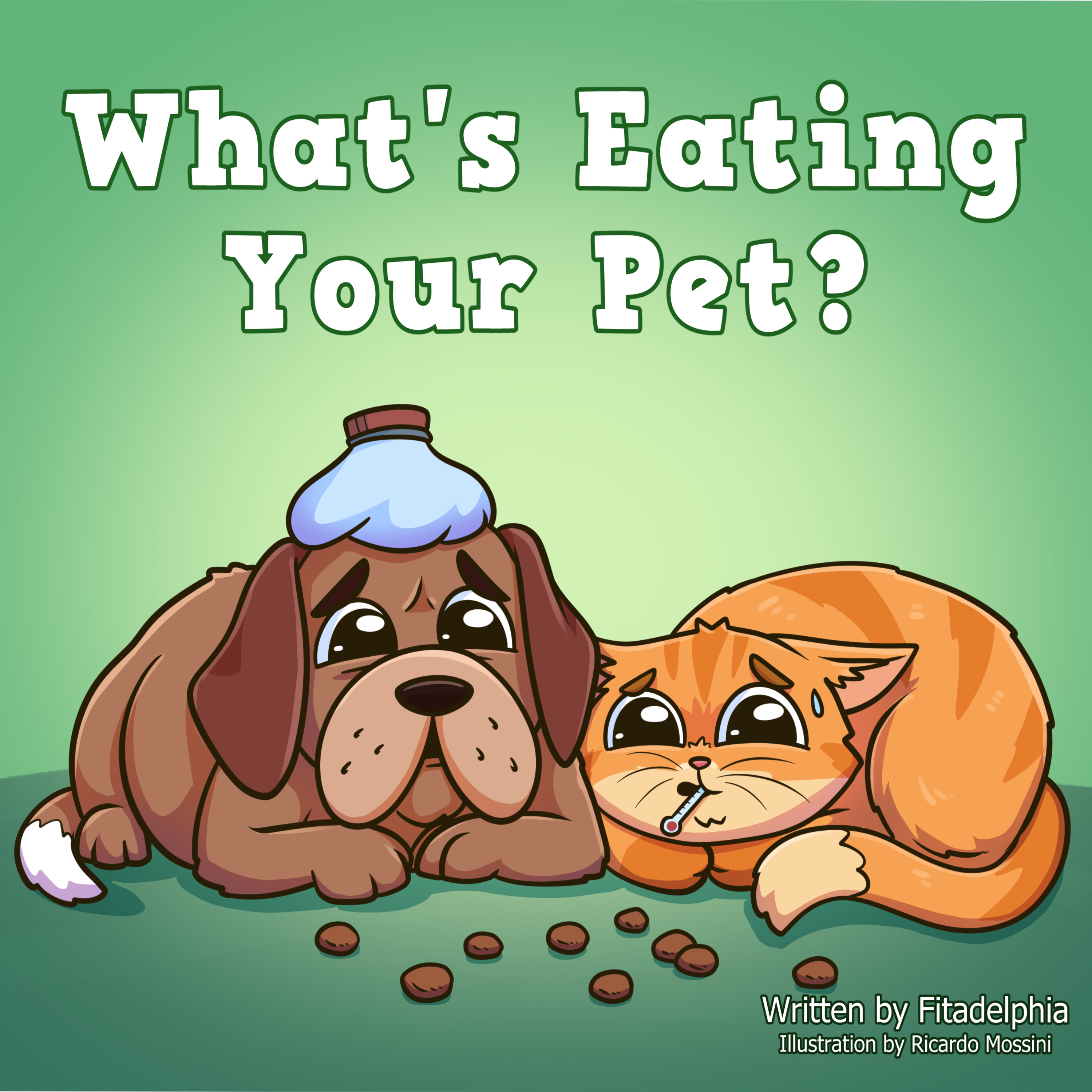
Scan dog and cat food labels to review ingredients, additives, preservatives, and other pet-food concerns in a clearer way.
Understand common food label terms, hidden additives, artificial ingredients, and warning categories before choosing a product.

Use scan results to find potentially harmful ingredients so you can make more informed choices while shopping.
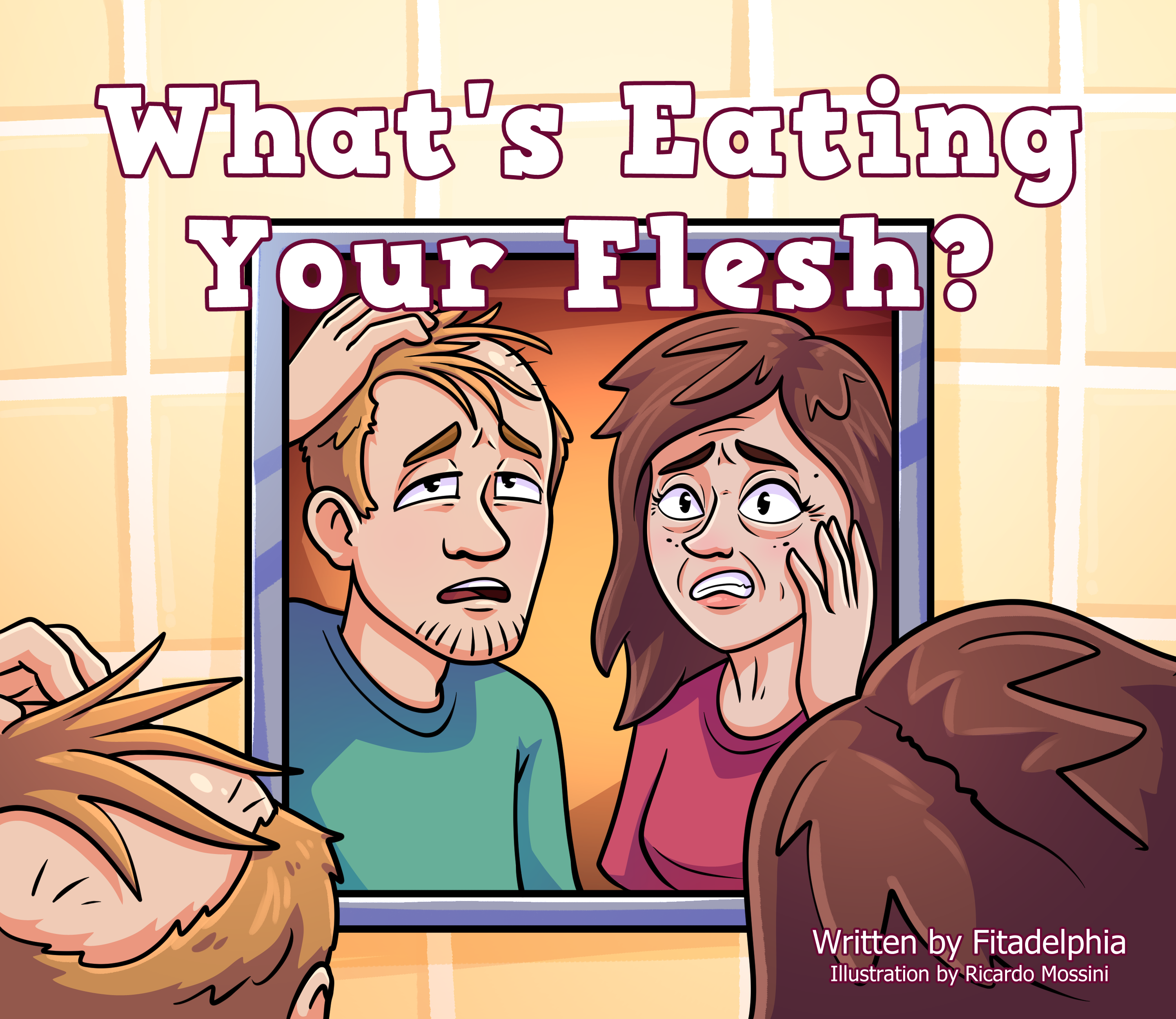
Learn what potentially harmful ingredients are in your hair and skincare products by scanning the labels of your products.
Plan-based access
Access food-label scanning with clear plan limits, protected checkout, saved scan records, warning categories, and simple result summaries.
Starter access
7-day paid access with 15 total scans.
15 total scans
Monthly subscription
Monthly subscription with 50 scans per month.
50 scans/month
Monthly subscription
Monthly subscription with 100 scans per month.
100 scans/month
Annual subscription
Yearly subscription with 120 scans per anchored month. Scans are not granted yearly upfront.
120 scans/month
Prices are shown before applicable sales tax. Stripe calculates tax at checkout.
Included with access
Every plan uses account protection, verified access, Stripe checkout, dashboard results, and saved scan records.
Fitadelphia Food Facts helps users upload or capture a food or product label, extract the ingredient text, clean the scan result, and review possible warning categories in a simple result screen.
The app takes the uploaded label image, runs OCR to extract text, uses AI-assisted cleanup to organize the ingredient list, then checks the cleaned text against the app warning rules before showing the final result.
Users create an account, verify their email with OTP, choose a scanning plan, complete secure Stripe checkout, and then access the dashboard, label upload, scan records, settings, and results.
No. Each plan includes a clear scan allowance. Scan limits help keep OCR and AI processing sustainable while still giving users access to saved records, warning results, and dashboard tools.
New uploads are blocked when your scan allowance is used up. Depending on your plan, you can wait for the next allowance reset or manage your billing plan from the dashboard.
The app can help flag added sugars, high-fructose corn syrup, artificial sweeteners, artificial colors, artificial flavors, preservatives, oils and fats, sodium, GMOs, pesticides or herbicides, heavy metals, nitrates, nitrites, nitrosamines, caffeine, and other ingredient concerns.
Yes. A core purpose of the app is to scan ingredients and help users find additives, artificial ingredients, preservatives, artificial colors, artificial flavors, sweeteners, and related warning categories.
Yes. Where applicable, the result can show region notices such as banned, restricted, or partially restricted ingredient labels for Europe or Canada based on the app rule engine.
The app can display educational packaging-related warnings such as BPA, microplastics, PFAS, and polystyrene notices. These warnings help users understand broader product and packaging concerns.
Yes. The app includes special caffeine handling so products containing caffeine can show the relevant educational warning during the scan result flow.
Yes. The app can show California Prop 65 acrylamide warnings where the scanned product or ingredient context matches the app rules, such as qualifying potato or grain-based products.
The app summarizes the scan into an easy-to-understand rating based on detected concerns. The goal is to make the result clearer instead of forcing users to manually research every ingredient.
Yes. The project supports dog and cat food label scans, so users can review pet food ingredients in addition to regular food and product labels.
No, but the label should be readable. A clear, well-lit image with visible ingredients improves OCR accuracy and helps the app produce a cleaner ingredient result.
If the app cannot confidently extract or clean the ingredient text, the scan can return a better-image or unsupported-label status instead of showing an unreliable result.
Yes. After a completed scan, users can review previous scan records from the dashboard, including the result summary and warning information generated by the app.
No. The app is for educational food-label awareness only. It does not diagnose, treat, prevent, or cure any disease and should not replace advice from a qualified medical professional.
Yes. The web app is designed for responsive browser use, so users can access it from desktop, tablet, or mobile browsers.